Account Engagement gives you the ability to send two different versions of an email to a small subset of your prospects. Then use that data in order to choose the winning version and send that version to the remainder of the recipient list. This is called: A/B Testing.
These are some recommendations and considerations to take when using A/B Testing:
- It’s recommended to test one thing per test, e.g. one test using different subjects and another test using different content in the email
- Prospects in the recipient list will only get one email, it can be test A, test B, or the winner
- If prospects are added to the recipient list after testing, they will only receive the winning email. But if the prospects are added before testing begins, they can receive any of the versions being tested
- A test can be paused and resumed, but keep in mind that the time of sends will be paused and resumed as well, not reset
Steps to Enable A/B Testing
- Open an email draft and edit it
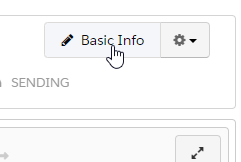
- Click on Basic Info
- Select Enable A/B Testing
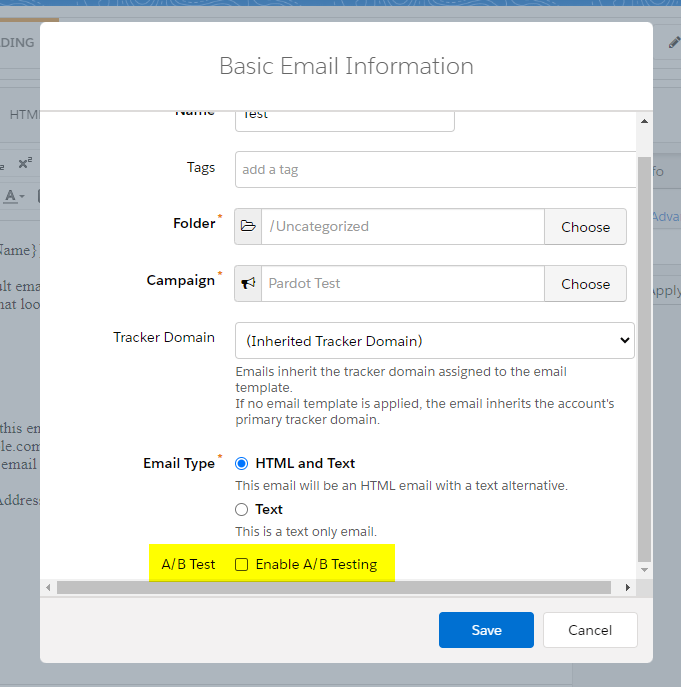
- You can now use A and B tabs to make your updates

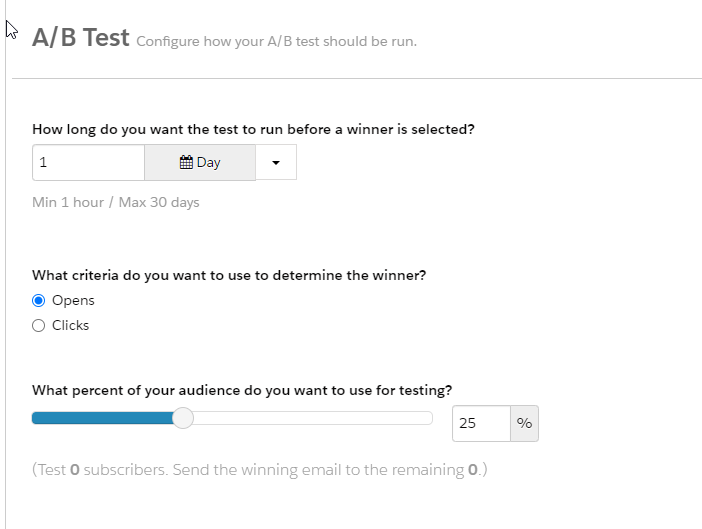
- On the sending tab, you can select your testing configurations: Set a duration for your A/B test, select engagement criteria, and choose the percentage of your audience that you want to test
- After you schedule or send an A/B test email, it appears on the A/B Tests tab
Keep in mind that the winning email will be sent to the remainder of the prospects you set up.
 Salesforce World