When using gravity forms and Account Engagement, you need to use a form handler to connect them both. But what happens if you add google analytics to the mix and you need to send a parameter in the url for reporting purposes?
In order to send url parameters using gravity forms, you need to follow these steps:
- Edit your form and add a hidden field called success_location
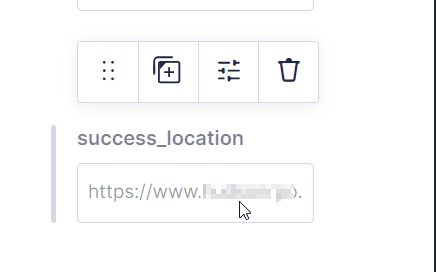
- Under advanced settings for your need field, add the page you want the form redirected to. e.g. https://www.thankyoupage.com

- Save the form
- Go to Settings/Confirmations and edit your default confirmation
- Under Pass Field Data via Query String, add a new entry with your success location and the url parameter you want to send. e.g. In this case we’re sending the entry id. so we add the following: &success_location={success_location:15}?id={entry_id}
- Save the confirmation
You can test this by submitting your form. When you are redirected to the thank you page, you see that the following parameter is appended: id=xxx, with xxx replaced by your entry id.
 Salesforce World